- December 2, 2023
- Posted by: Forex Wiki Team
- Category: Free Forex EA
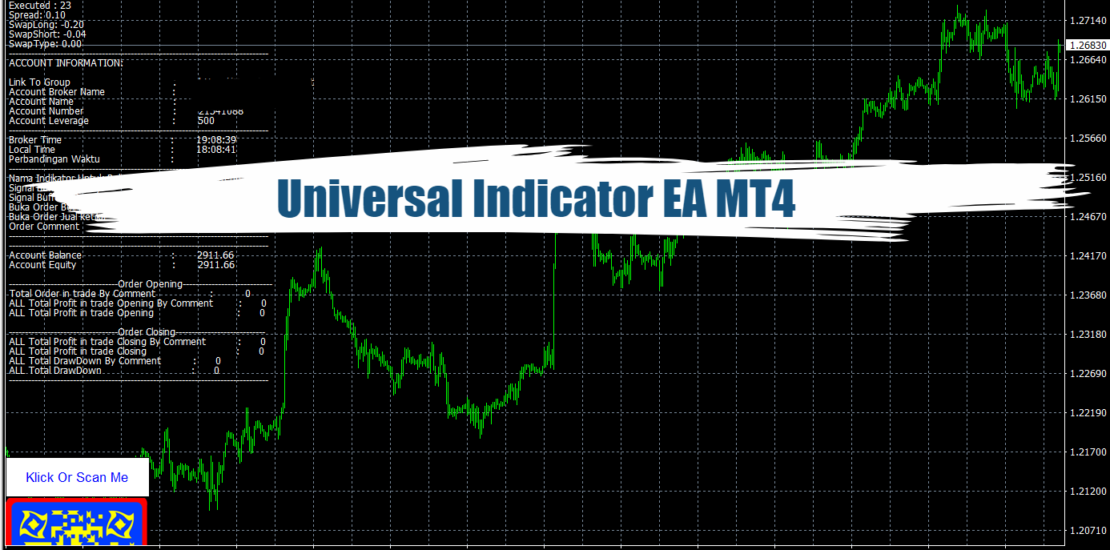
Universal Indicator EA Review
The forex market is a dynamic and challenging environment where traders seek strategies to maximize profits and minimize risks. Universal Indicator EA emerges as a groundbreaking solution, empowering traders to automate their strategies effortlessly. In this comprehensive guide, we will delve into the features, techniques, and strategies that make Universal Indicator EA a versatile tool for traders at all skill levels.
Understanding Universal Indicator EA
Product Description
Universal Indicator EA is a powerful expert advisor designed to seamlessly integrate with any indicator providing Buy and Sell Signals. Its user-friendly interface allows traders to automate their trading strategies without the need for coding skills. The EA reads signals from both Indicator Buffers and Objects on the Chart, offering flexibility in strategy implementation. Traders can also test the EA on a demo account before making a purchase to ensure compatibility with their chosen indicator.
Getting Started
Before delving into technical discussions, it’s crucial to adjust the EA to the desired mode. The “Deep Neural NetWork” or “Deep Neural NetWork X Indicator” mode, highlighted in yellow, activates specific features. This mode sets the foundation for the subsequent technical strategies.
Version: 2.2
Best Brokers List
Universal Indicator EA works with any broker and any type of account, but we recommend our clients use one of the top forex brokers listed below:
[ninja_tables id=”26339″]
Universal Indicator EA Settings
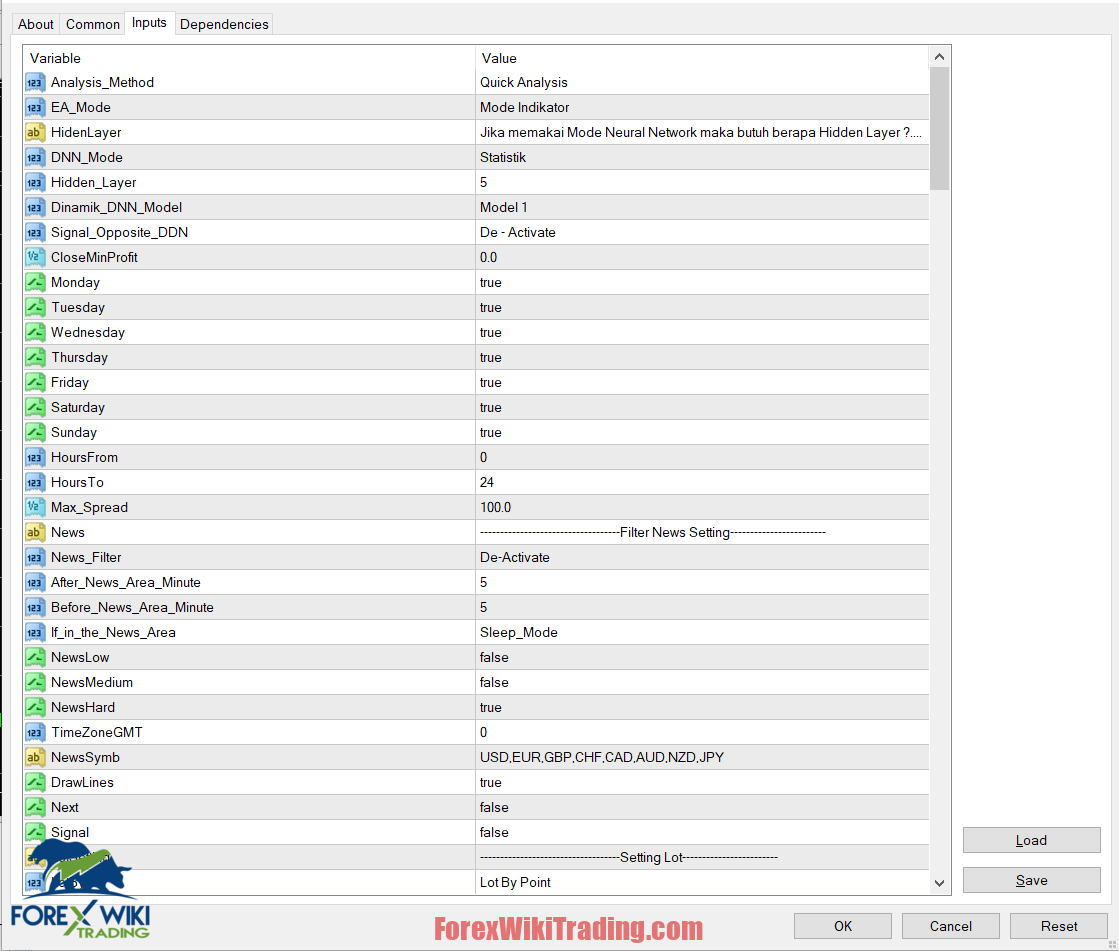
EA Settings
The EA provides a range of settings to customize its behavior:
- Analysis Method: Choose between Quick Analysis (every bar) and Slow Analysis (every tick).
- EA Mode: Select from various modes such as Manual Assistant, EA Assistant, Deep Neural Network, and more.
- Hidden Layer and DNN Mode: Configure the number of Hidden Layers and choose between Static and Dynamic DNN models.
- Time and Day Filters: Set the EA to be active on specific days and hours.
- News Filter: Enable filtering based on news events, allowing traders to avoid volatile periods.
- See More Info About EA setting
Lot Settings
Fine-tune lot sizes based on different parameters, including Lot By Point and Lot By Percent Balance. These settings provide flexibility in managing risk and exposure.
Additional Features
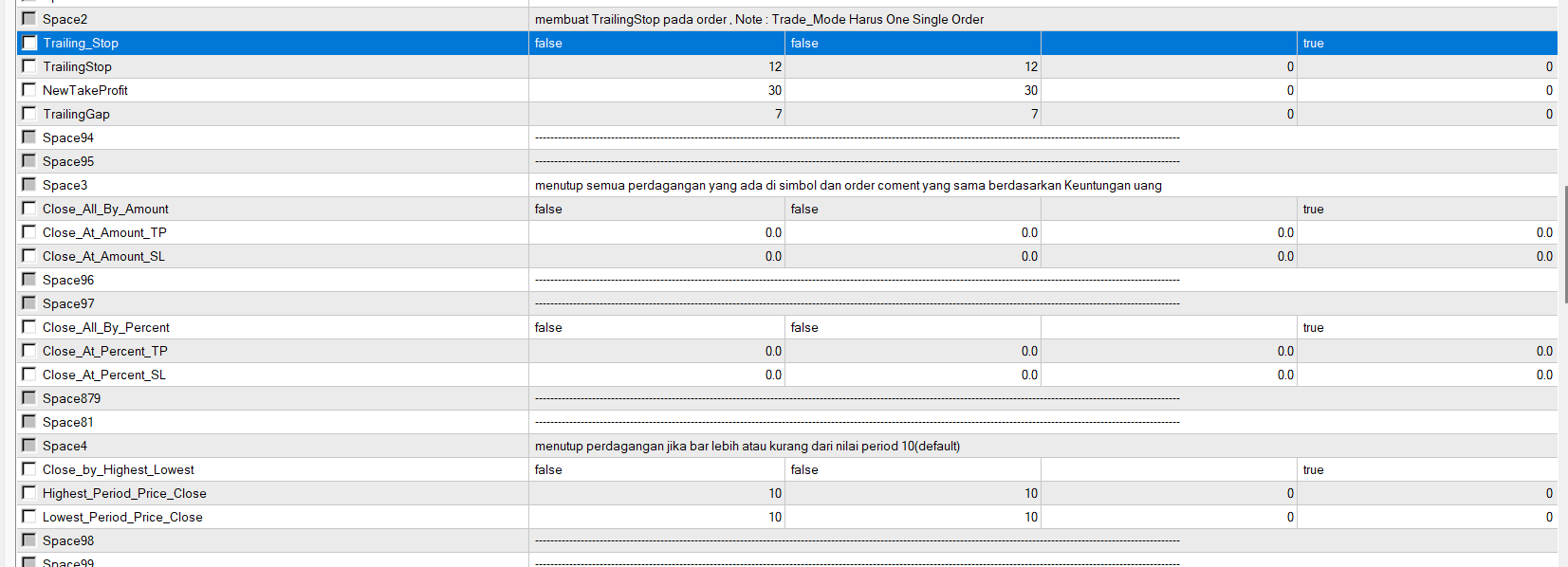
- Trailing Stop: Activate a Trailing Stop to secure profits as the price moves in a favorable direction.
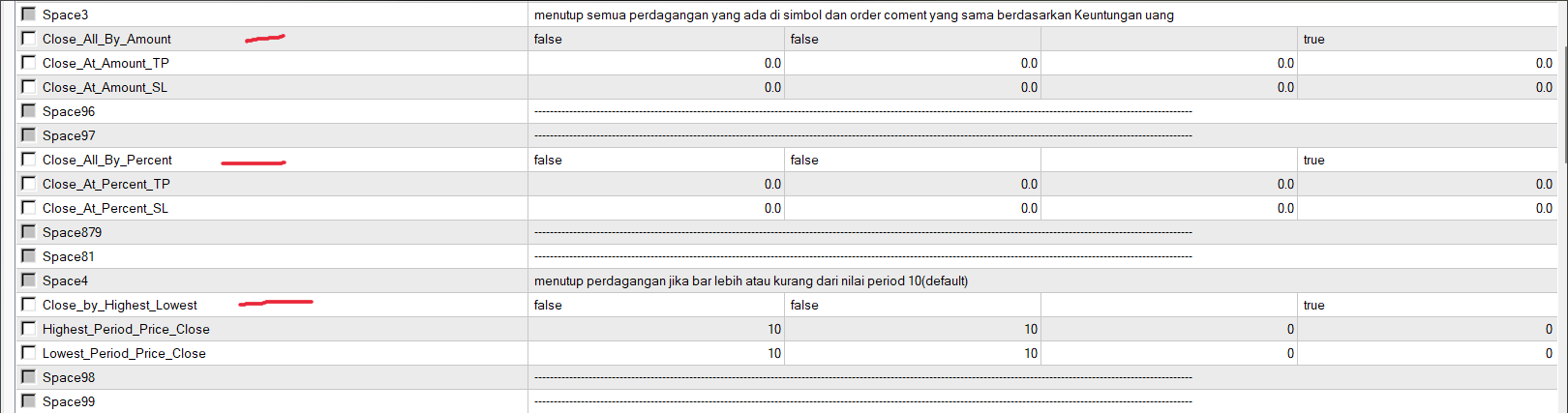
- Close by Amount or Percentage: Set criteria to close all positions based on specified profit or loss amounts.
- Close by Highest/Lowest: Implement strategies to close orders based on the highest or lowest price within a defined period.
- Custom Strategies: Define custom strategies for trading, allowing traders to adapt to diverse market conditions.
Technical Strategies

1. Strategy with 1 Signal
OneShootMarty
OneShootMarty is a strategy where the EA provides Hidden Take Profit (TP) and Stop Loss (SL). This technique aims to enhance risk management and maximize profits.
One_Shoot_Partial
One_Shoot_Partial introduces the concept of “Partial Profit-Taking,” allowing traders to secure profits incrementally. This strategy enhances flexibility in adapting to market conditions.
Strategy_Trade
EA executes various techniques based on the chosen strategy according to the signal. This adaptive approach ensures versatility in responding to market dynamics.
TakeProfit and Stoploss using indicators
This strategy involves setting Take Profit and Stop Loss levels based on indicators, providing a systematic approach to risk management.
2. Strategy with lots of signals (Averaging)
Averaging is a technique where the EA opens a new order every time a new signal appears. This strategy capitalizes on multiple signals to optimize trading opportunities.
Controlling Orders
The EA offers functions such as closing orders based on specified values, closing orders when the opposite signal appears, or closing orders based on indicator signals.
Conclusion
Universal Indicator EA stands as a comprehensive solution for traders seeking to automate and optimize their forex trading strategies. By combining advanced features, versatile strategies, and customizable settings, this expert advisor empowers traders to navigate the dynamic forex market with confidence. Whether you are a novice or an experienced trader, Universal Indicator EA offers a powerful toolset to unlock the full potential of forex trading.
Download Universal Indicator EA
Please try for at least a week an XM demo account. Also, familiarize yourself with and understand how this free forex Tool works before using it on a live account.