- March 29, 2021
- Posted by: Forex Wiki Team
- Category: Free Forex EA
4 Comments
1588
1461
Hi Forex Wiki Friends ,
EA RobominerFX2 Description :

EA RobominerFX2 is a forex EA that uses a straddle arbitrage system, which is a trading system that works by comparing prices between 2 brokers, if there is a price GAP between the two brokers, this EA will create 2 virtual pending orders, namely virtual pending buystop and virtual pending sellstop as the straddle .Entry point
- Gap price of 2 brokers (Action Point).
- Virtual pending stop orders (virtual buystop and virtual sellstop) as straddle.
Exit Point
- Stoploss and Takeprofit
- Hidden Stop Loss and Hidden Takeprofit
- Trailling Stop
- Virtual Trailling Stop
What’s new in version 2:
- The trigger signal uses different price values for the two brokers, so it is not taken from the buy signal and sell signal as in the previous version.
- Added step options (minimum distance for next order)
- More precise value correction is just enough to calibrate at one price (if necessary).
- Daily profit target and loss target.
NOTE: The different price is the value / average price taken from the ask and bid values of the two brokers
Different price = [Server (ask + bid) / 2] – [broker (ask + bid) / 2]
Criteria for brokers and datafeed server brokers
Basically, EA RobominerFX2 only needs a GAP between 2 brokers, so it is no longer important to implement a fast broker as a server or vice versa. This is because when there is a GAP between the two brokers, this EA will install a virtual buystop and virtual sellstop straddle simultaneously, so that wherever the market direction will still be exposed to the straddle from this EA. That is one of the advantages of the trading system used by EA RobominerFX2.
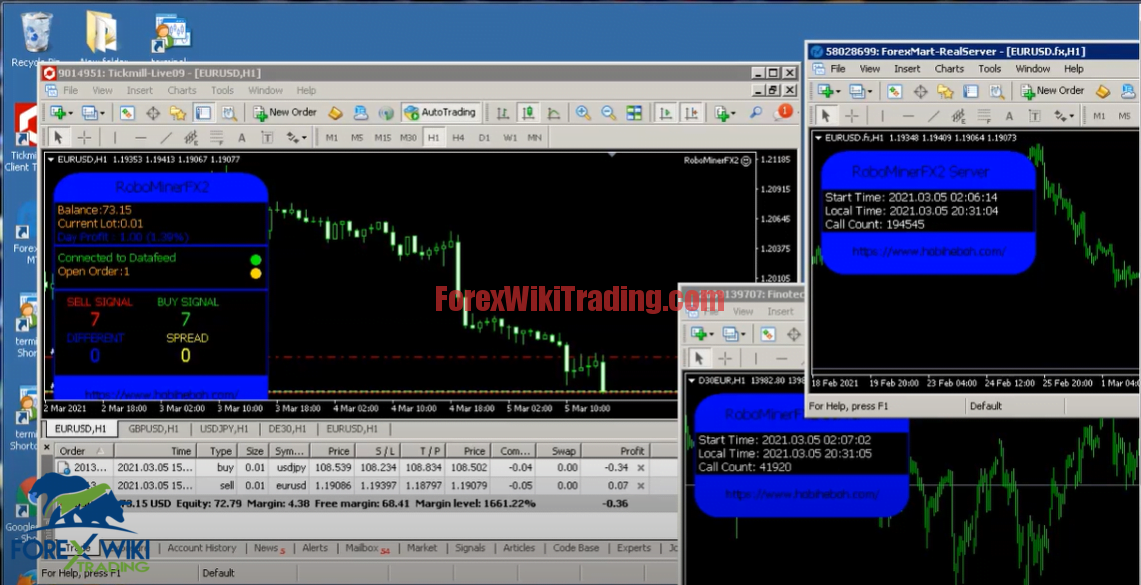
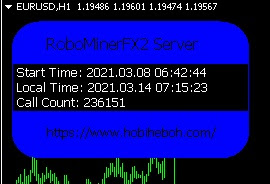
Display EA RobominerFX2
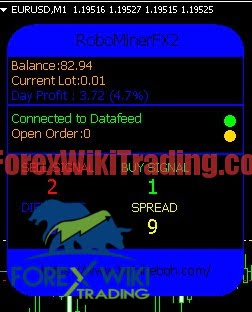
RobominerFX2Server view
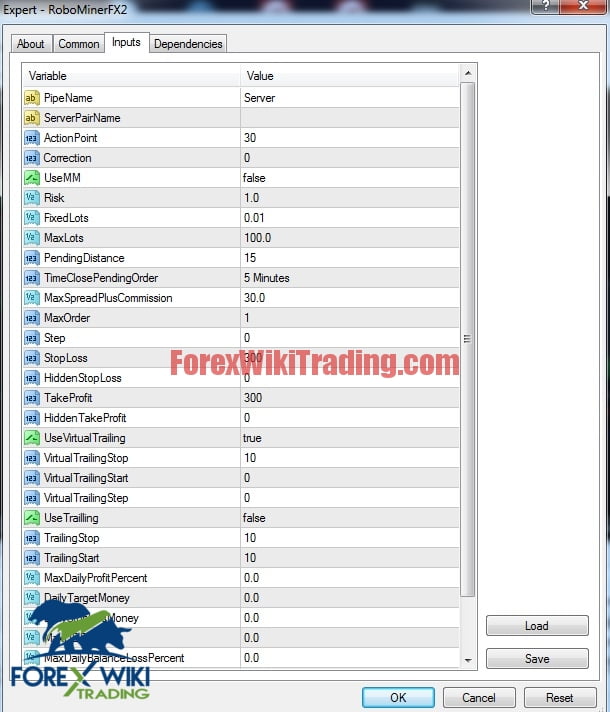
EA RobominerFX2 Settings:
Display Settings
How EA RobominerFX2 works during high news NFE / NFP
How to set Robominer EA with prefix and suffix pairs
NOTE: When attaching EA to the chart, try to disable EA first. So that when we connect to the server, we can first see the different prices shown on the chart. If the different price difference is very significant, then we need to do a calibration first using correction so that the price difference between the two brokers is almost the same or close to zero.