- December 13, 2020
- Posted by: Forex Wiki Team
- Category: Free Forex EA
Hi Forex Wiki Friends,
Turtle Scalper Pro Description :
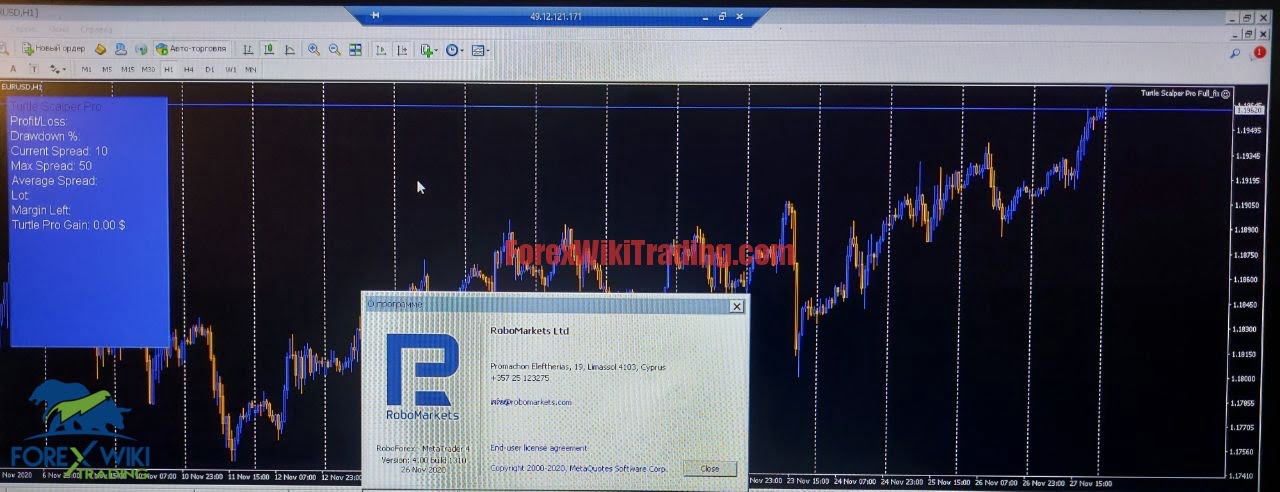
Turtle Scalper Pro is a trading robot for the trading on forex. This is a mix of Trend Following and Counter Trend system.Backtest Now!
This Expert advisor not use arbitrage, grid, martingale or other dangerous strategy, All Trades are covered by StopLoss and TakeProfit.
The system can also work with Pc or Vps a latency up to a recommended maximum of 100ms.
The EA has been subjected to stress tests for a period of6 years and passes every year with a very advantageous profit/drawdown ratio.
Turtle Scalper Pro Work mainly on EURUSD H1.
This Ea is Fifo Compliance.
It analyzes the market without using obsolete indicators and pattern, looking for the main trend, entering the market based on volatility and anartificial intelligence algorithm to predict the likely future trend.
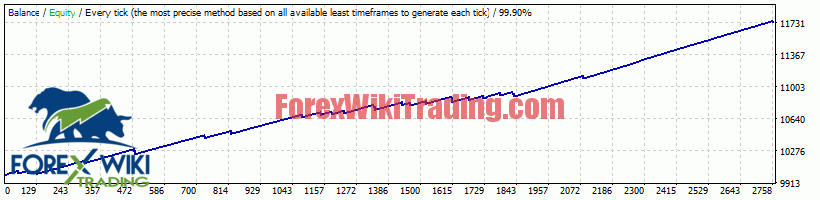
The maximum accuracy backtests allowed show a high payout rate and good resistance to unexpected market events.
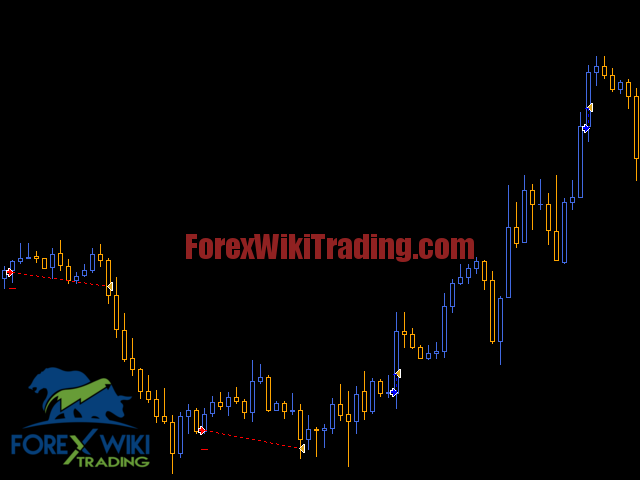
Recommendations
| Symbol | EURUSD |
| Timeframe | H1 |
| Test From | 2014 |
| Settings | Default or set files |
| Brokers | Ecn, stp or ndd: 1st recommended, 2nd |
| Minimum Deposit | 100 usd |
| Market Entry method | Market Order |
| Tester Method | tick by tick |
| Fifo Compliance | Yes |
Broker Requirement :
[ninja_tables id=”26339″]
Turtle Scalper Pro Settings:
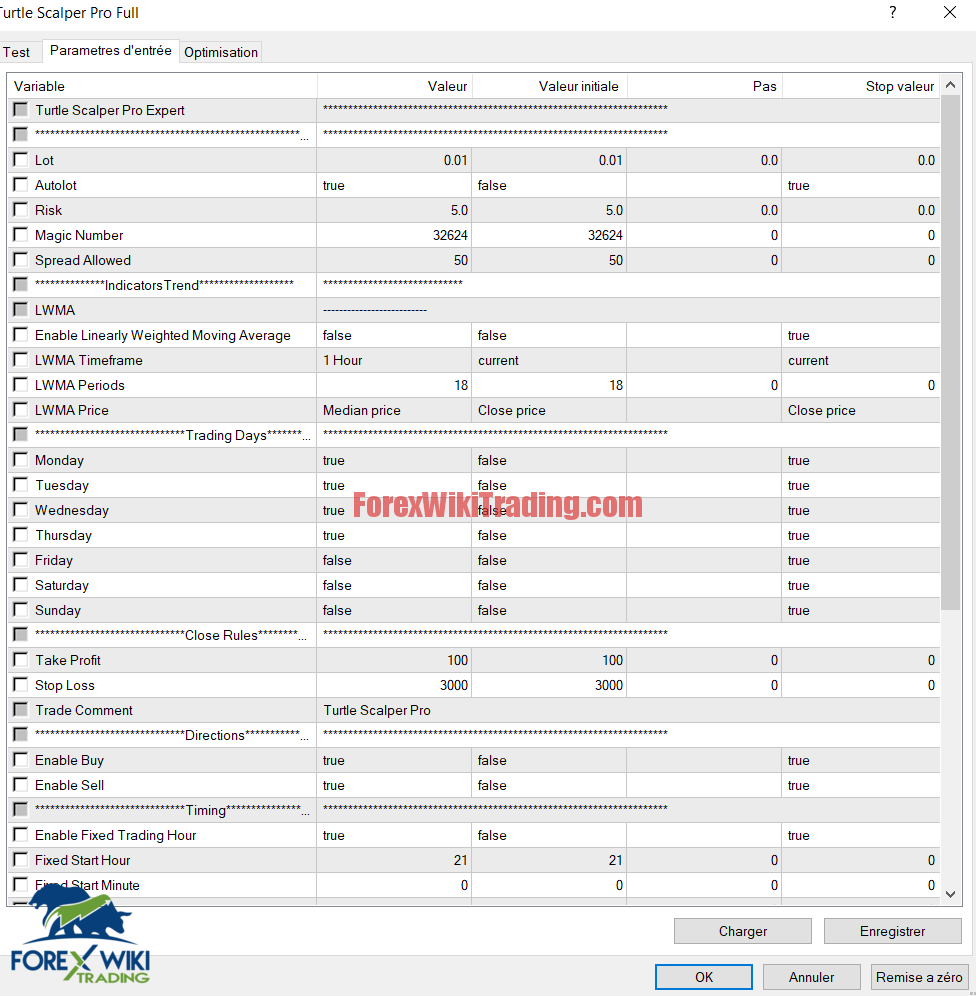
Settings
- Lot: lot amount with autolot disabled
- Autolot: Enable autolot or disable it
- Risk: risk for autolot calculation
- Magic Number: id for identify Ea orders
- Spread Allowed: spread limit, over no trade will be open
- Enable Lwma: enable the lwma trend filter
- Lwma timeframe: timeframe for lwma indicator
- Lwma periods: periods for lwma indicator
- Lwma price: price for lwma indicator
- trading days, if true, enable this day for trading orders
- Take Profit: take profit for orders
- Stop Loss: stop loss for orders
- Trade Comment: comment for a trade
- Enable Buy: Enable Buy Trade
- Enable Sell: Enable Sell Trade
- Enable Fixed Trading Hour: if true, change from recommended trading hours to your trading hours
- Fixed Start Hour: hour for start trading
- Fixed Start Minute: minute for start
- Fixed Stop Hour: hour for stop trading
- Fixed Stop Minute: minute for stop
- Enable Bars to Close: Close trades after a fixed number of bars
- Bars to Close: number of bars for close a trade
- Recovery mode: enable recovery mode, so the Ea try to recovery fast the loss
- Recovery Factor: lot*this amount for recovery (high risk involves for recovery mode)
- Enable Trailing Stop: Enable Trailing Stop
- Start only in Profit: Start only if Stop loss is in Profit
- Trailing Stop in Point: Trailing Stop in Point
- Trailing Step in Point: Trailing Step in Point
- Change Chart Color: Change Chart Color in Scalper Pro Colors
- Show Panel: Show trading panel of the EA
- Show Error: Show error messages if something is wrong
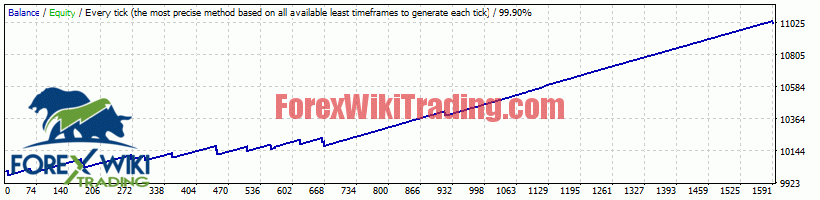
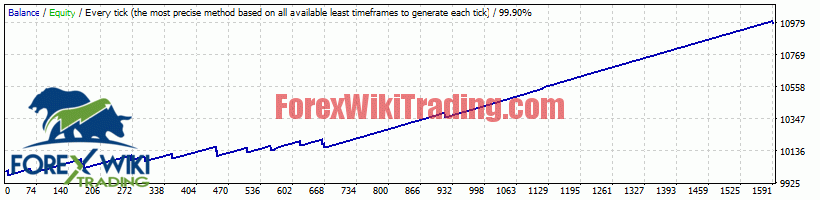
Turtle Scalper Pro Results:

Download Turtle Scalper Pro:
Ninja => Password : Forexwikitrading.com
Ninja-Turtles