- September 19, 2021
- Posted by: Forex Wiki Team
- Category: Free Forex EA
3 Comments
1651
1519
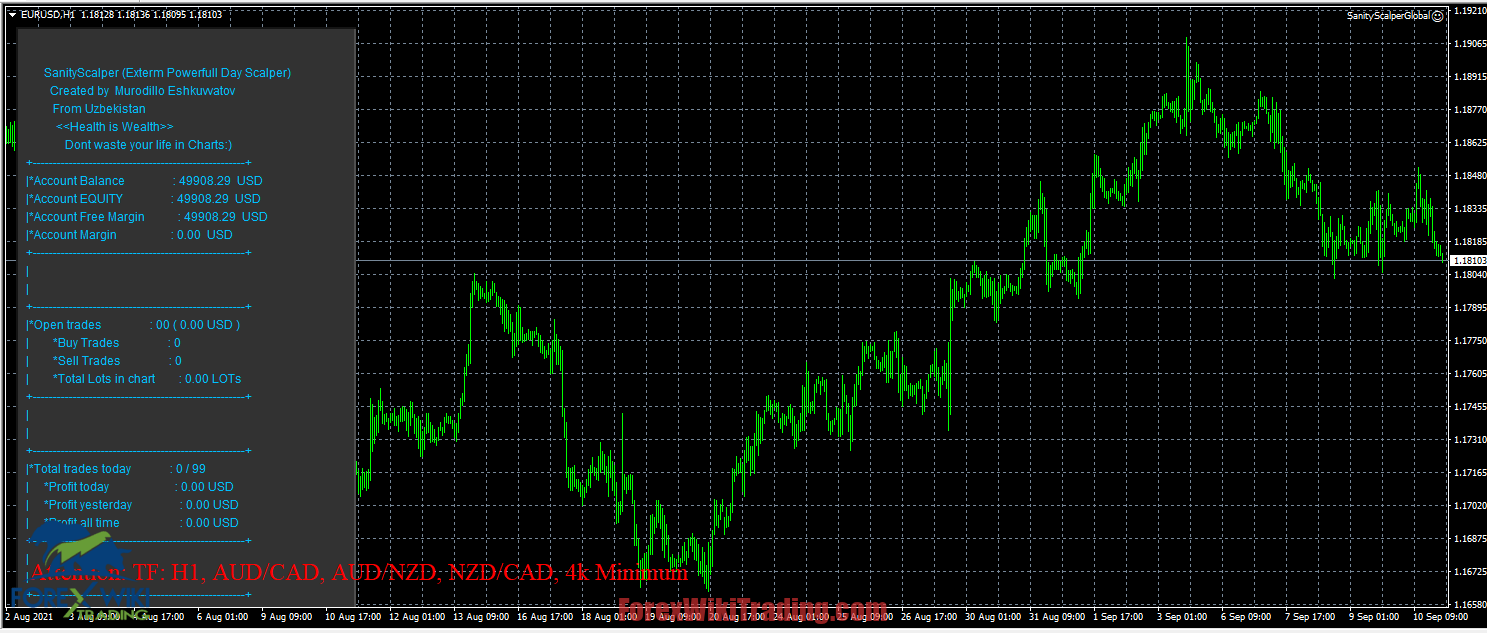
Hi Forex Wiki Friends,
Scalper Pro EA Description :
EA Scalper MT4 is a mean reversion system during the quiet hours of the day.
It does not use martingale or grid and has a stop loss for every position.
Past performance is guarantee of future profitability
Broker Requirement :
[ninja_tables id=”26339″]
Scalper Pro EA Settings:
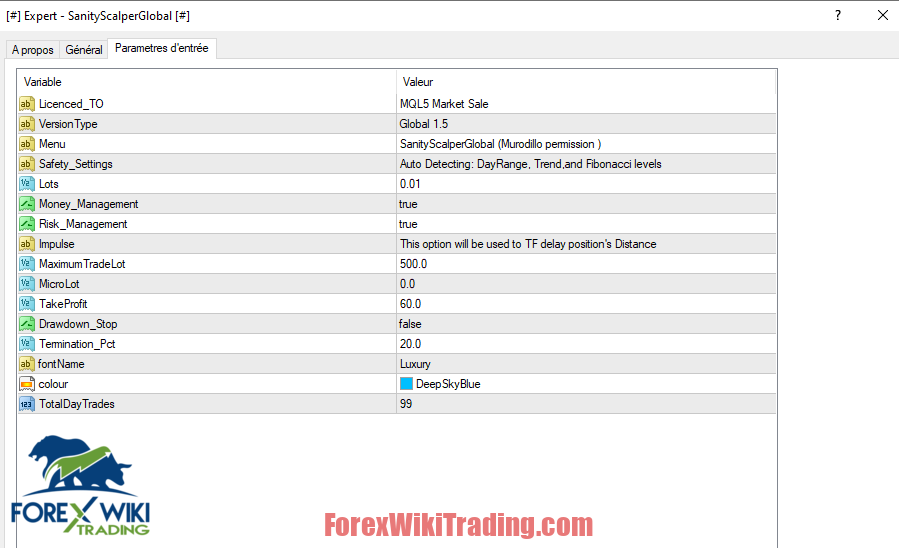
Money_Management is the start of the management function
MM- Money Management Function True / False
Risk_management (this is the start of the risk management function)
RM- calculation of risk management for the account balance
Account balance * RM / 100000 = LOT
For example, your balance is $ 100,000 and RM = 0.33.
Account balance 100000usd * 0.33Risk = 33000 USD (or 0.33lot Entery)
TP1 – TP percentage (all orders), recommended max. 0.1%
Calculation = Account Balance * Percentage TP All / 100
For example, Acc 100000 USD * 0.1 / 100 = 100 $ Take Profit
TP2- Percentage TP (buy or sell), recommended max. 0.15%) THIS function will be used for one-way buy or SELL will be closed with a certain percentage of take profit.
For example, the total amount of BUY positions reached 0.15% of take profit, and all BUY positions will be closed, and the sale will continue,
Attention, if the Total Percent Take Profit was reached before all positions were closed, therefore the advisor is valid
News filter function Officially taken from the MQL5 economic calendar
Time_Filter – you can select a specific time of day
Start time (hours and minutes)
End time (hours and minutes)
Spacing – Custom Distance Settings In this function, you can easily create the distance between positions for each specific position at each specific distance !!
1. The first 100 points of the distance are opened here. 2 orders with a candlestick delay,
2. After that, 50 points of the distance of 10 orders with a candlestick delay are opened !!
3. Then 200 points of a distance of 10 orders
4.500 distance points 99 orders
Attention! Unlimited martingale steps can be opened due to take profit percentage !!
Magic_Buy = Magic number of positions to buy
Magic_Sell = Magic number of sell positions
Font type = You can use any type of MQL5 fonts.
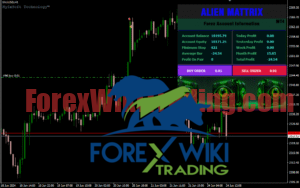
Font color = You can use many colors to create your INFORMATION bar.
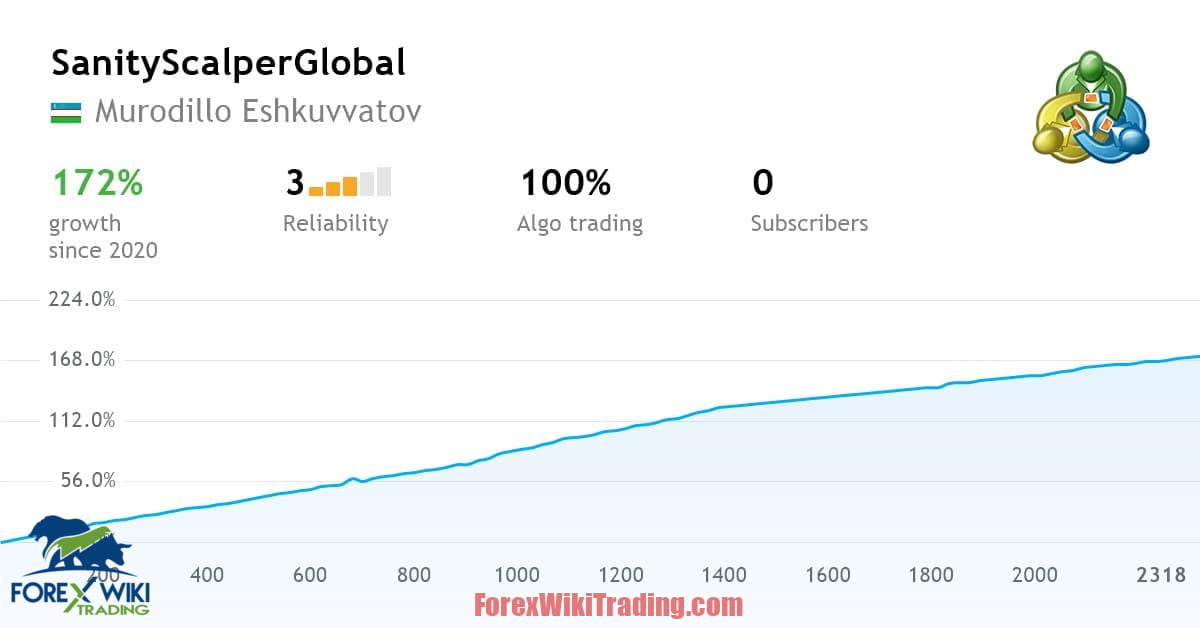
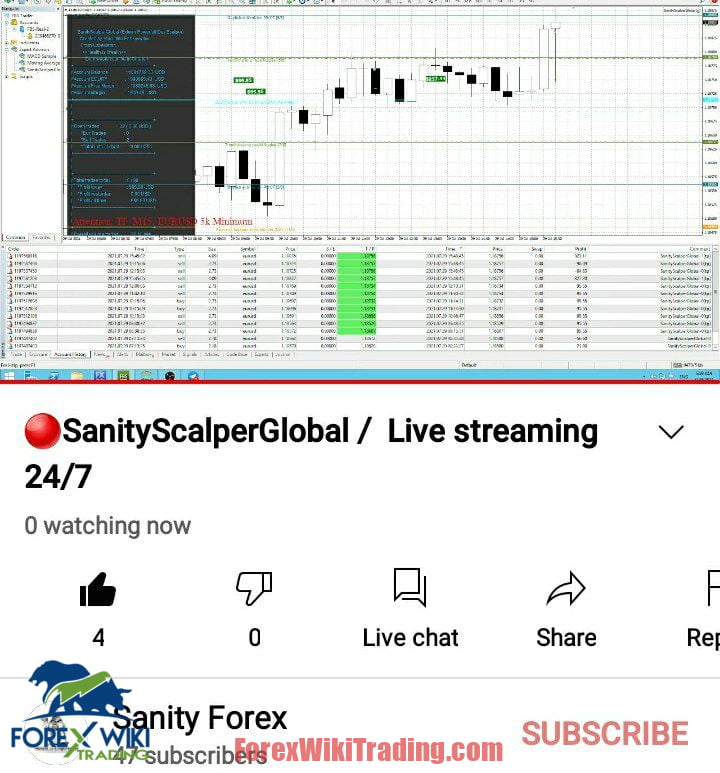
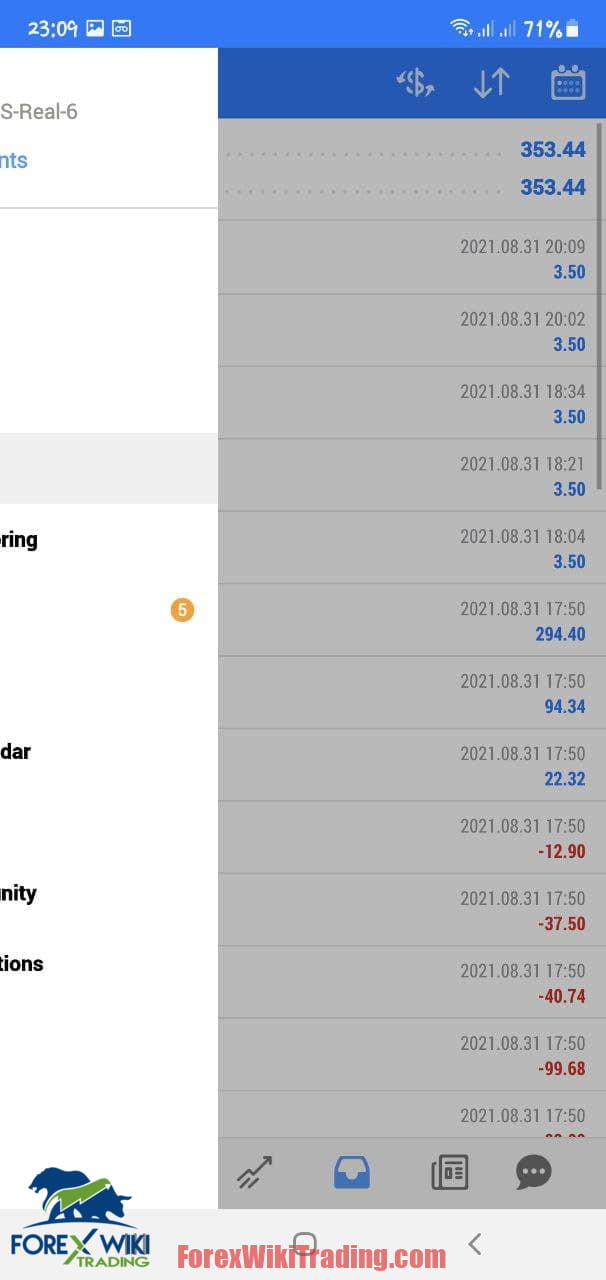
Scalper Pro EA Results:
Download Scalper Pro EA :
Archive Password: forexwikitrading.com
Ps: Tool with hidden Name
[+ForexWikiTrading.com]Scalper Pro EA 1.5
Related Posts: